
Location Zones
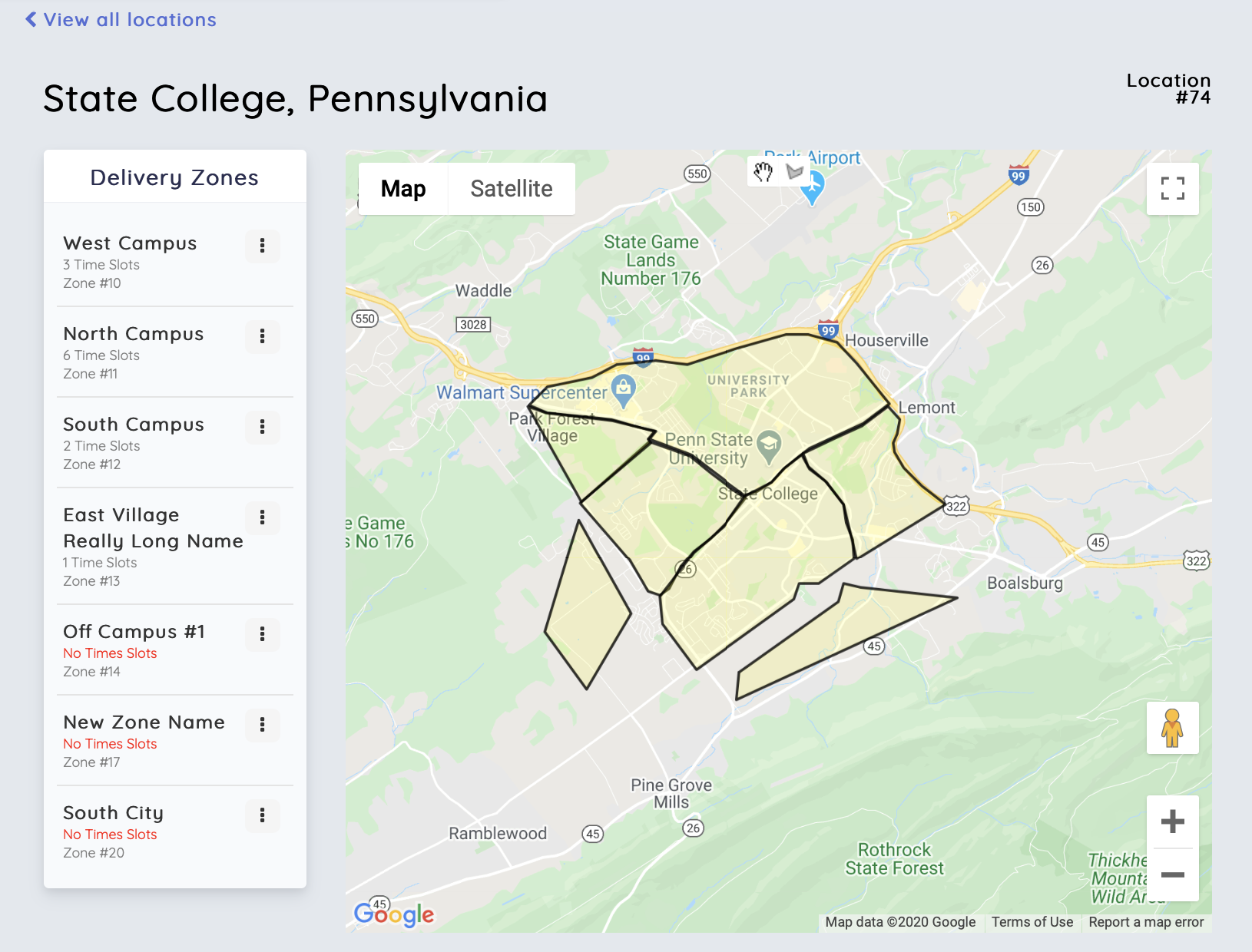
What are location zones?
- Location zones are polygons that are placed on a map.
- Zones can be any size and shape allowing you to create your service area.
- You can add, remove and reshape location zones at any time. Zones will update in real time on your website and app.
- Clients will not be able to signup if they are not located inside a zone.
- Zones should not overlap.
Creating a new location zone
- Open the Work Desk
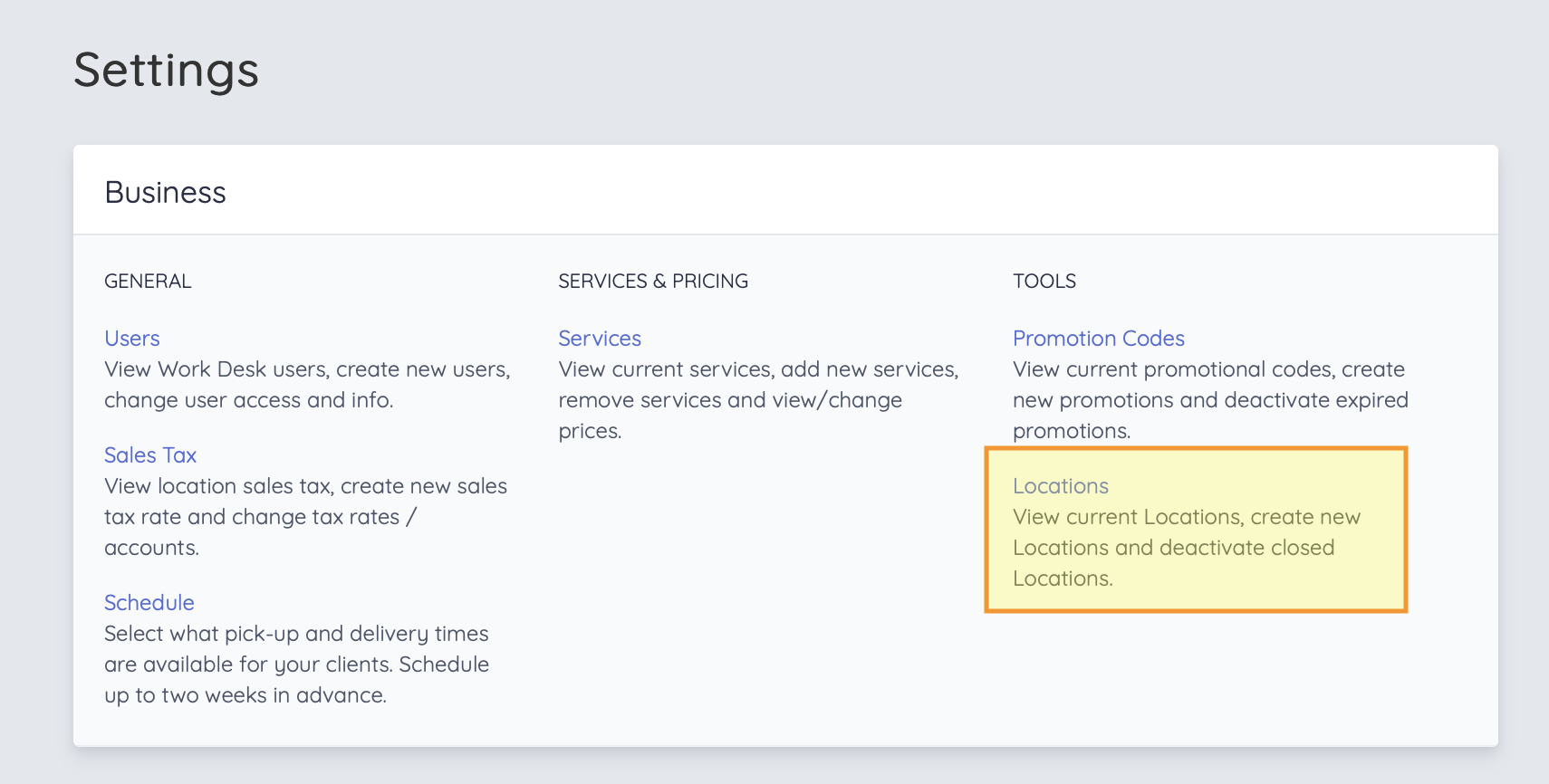
- Navigate to the settings page
- Click on "Locations"
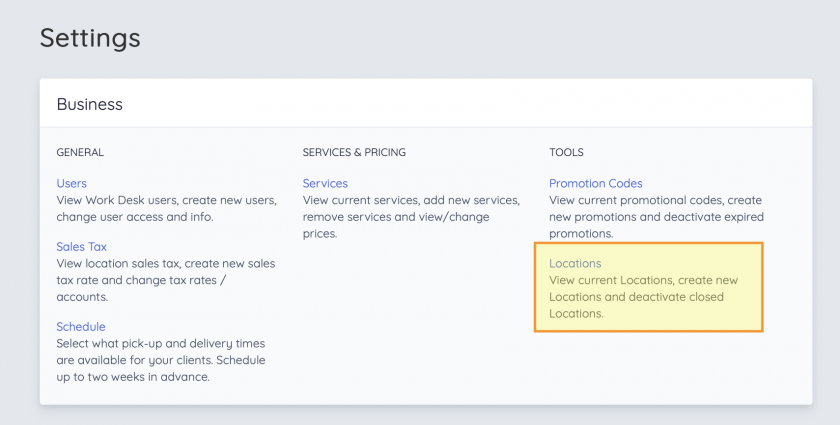
- On the Locations page, select a location (Most businesses will have one location here)
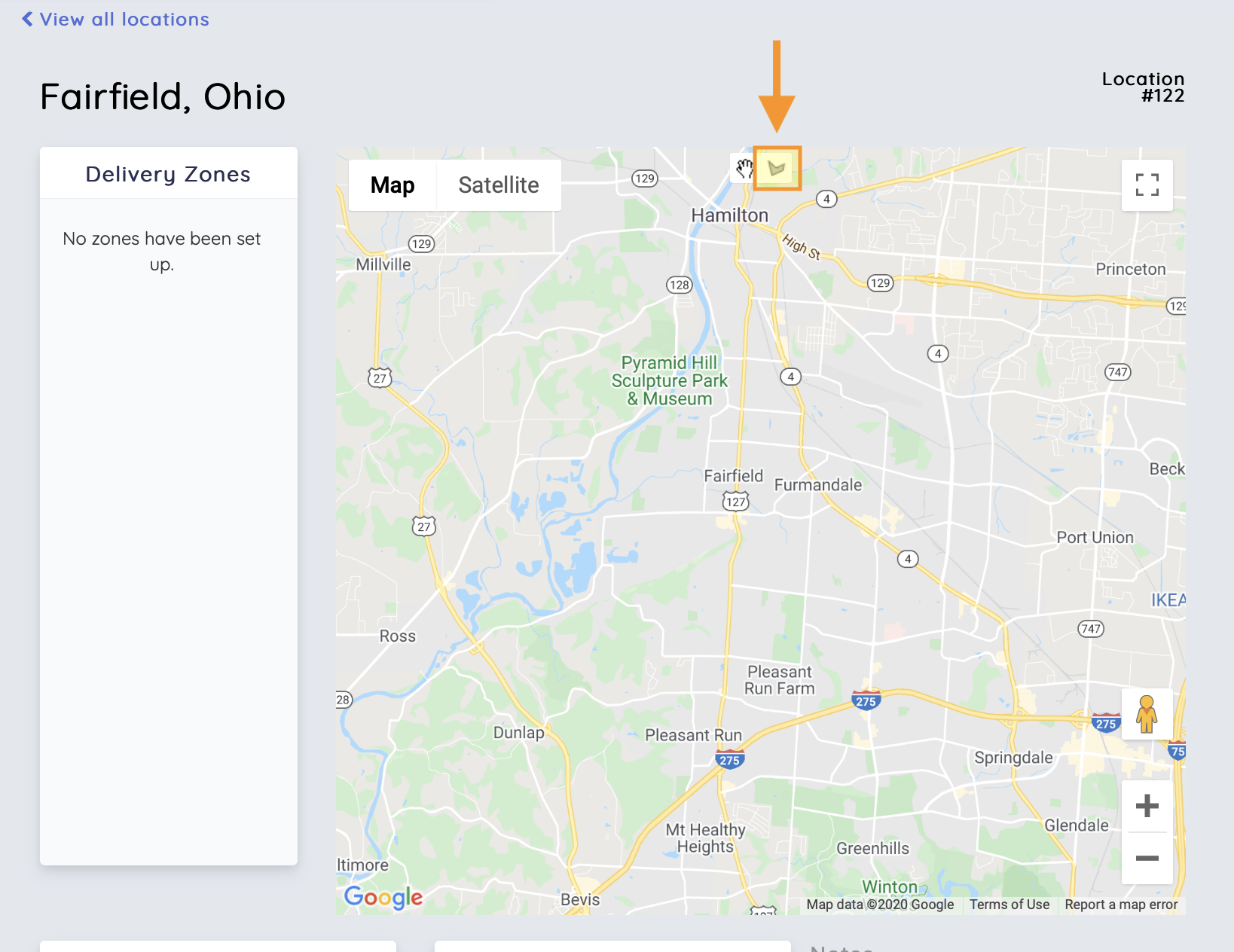
- To create a new location zone, click the polygon icon located at the top of the map
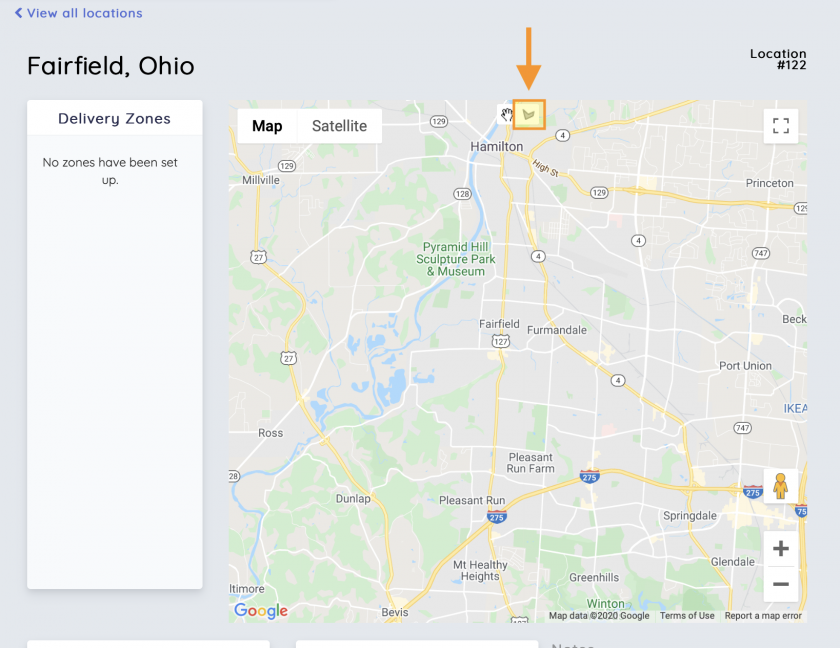
- Draw your zone on the map
- Name the zone. This will be used for internal purposed only (client don't see this)
Edit/reshape a zone
1) Click the three dot icon on the right side on the location zone row. 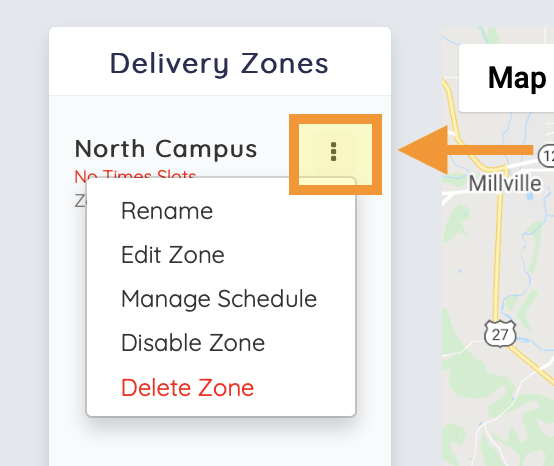
2) Click the "edit zone" option
3) Reshape the zone on the map. The map will save your changes automatically.
View/modify schedule for a zone
1) Click the three dot icon on the right side on the location zone row.
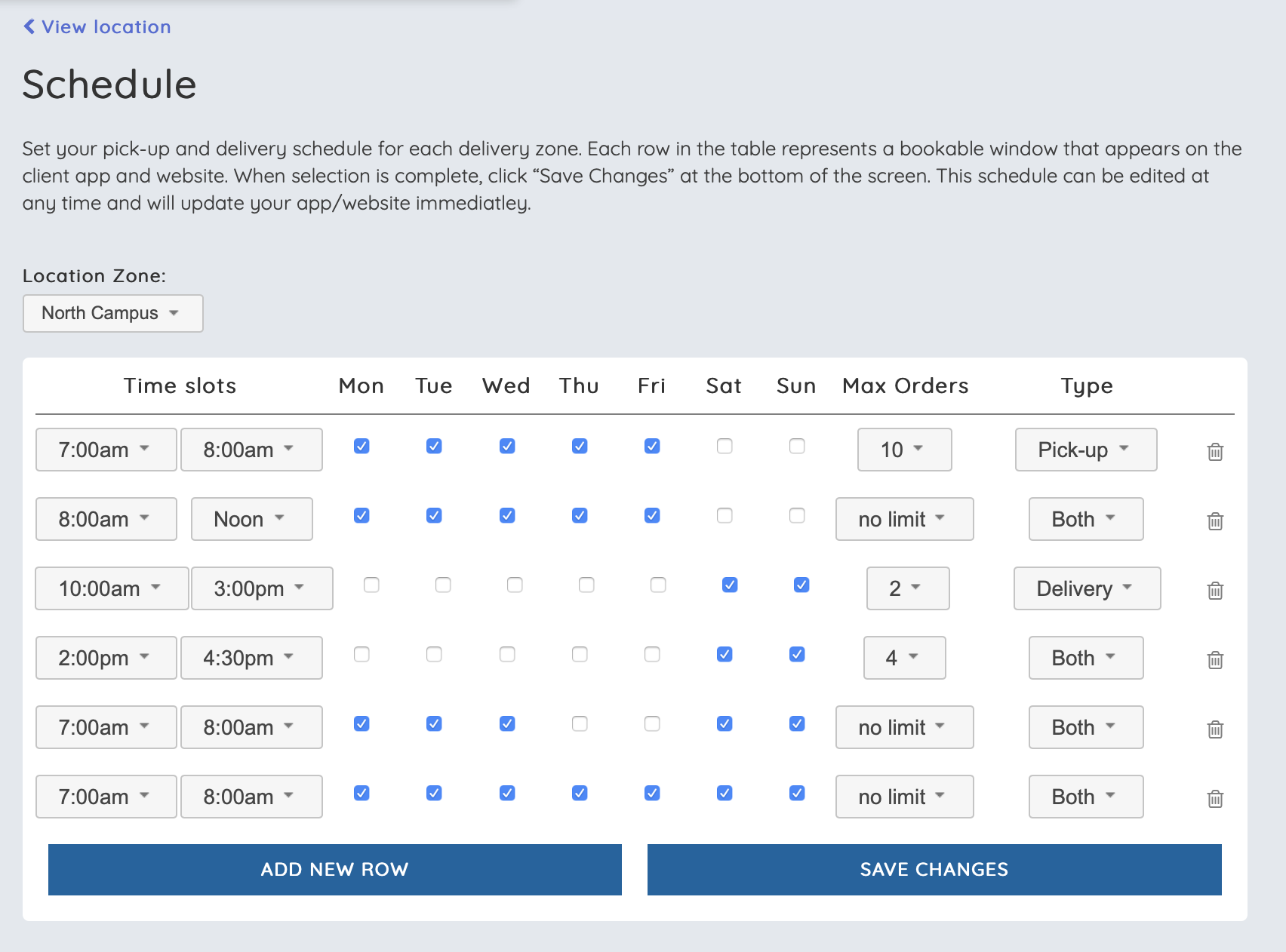
2) Click the "manage schedule" option
3) Use this page to add, modify, and remove time slots from your zone's schedule
No Comments